USB LED
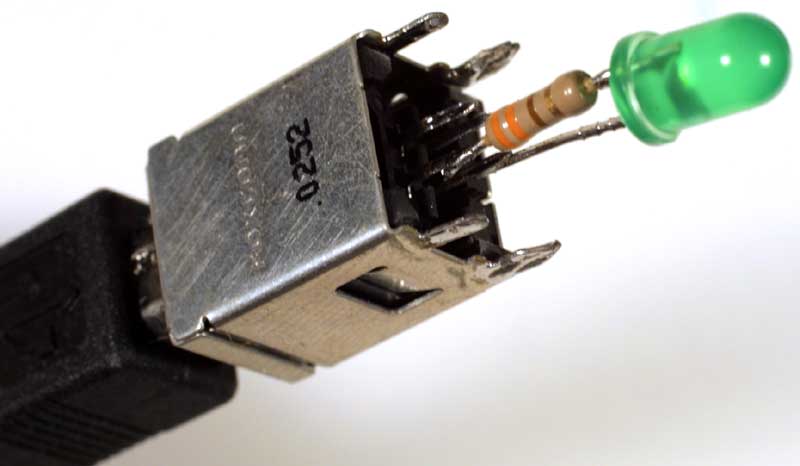
John Honniball, 2006, lead and tin on copper with found components, 31mm × 12mm
So where does that get me?
Well, I now know that most
USB
ports are powered from standby
power, which means that they stay powered up even when the PC
is switched off—so that the PC can be powered up by
the keyboard, or by a mouse click.
Which means that my simple approach to USB-controlled power
isn't going to work, because it will simply be switched on
all the time.
A proper solution would require a microcontroller in the
USB device, to interact with the USB controller and sense
when the PC is switched from standby to fully on.
But I have a simple solution: plug the switch into an internal
USB hub, which does not supply standby power.
Now for the mains (240V AC, 50Hz, 13A) switching part of the design.
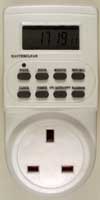
Introducing an inexpensive timer switch:
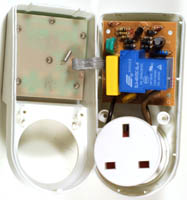
So, what's inside the mains timer switch?
It turns out to be very easily modifiable, with two internal
PCBs,
one for the clock/timer chip, display and buttons, and the
other for the power switching.
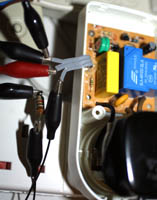
There's a little three-wire ribbon cable between them,
with two wires to supply power to the clock/timer,
and one to signal to the mains board to switch on the relay.
Both boards are connected directly to the live mains, and
are therefore not safe to connect to a USB port.
To isolate the USB port from the live mains, I use an
optocoupler that I desoldered from a scrap switch-mode
power supply (SMPSU).